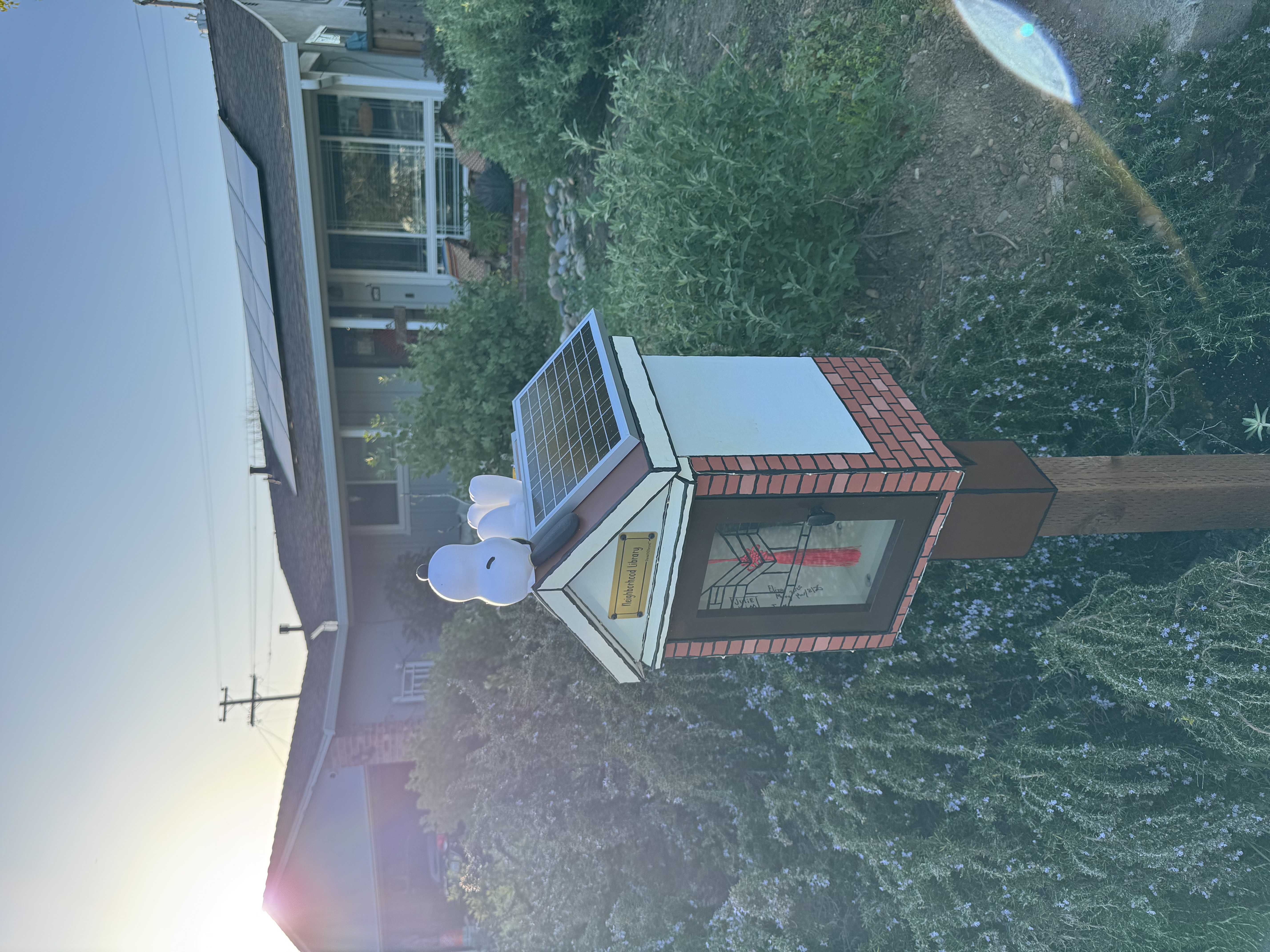
Julie and I talked about putting a Little Free Library in front of our house, so she bought one off Etsy. It sat in our garage for half a year before we were inspired to get it going. There's a lack of in-process photos because we didn't think to document along the way.
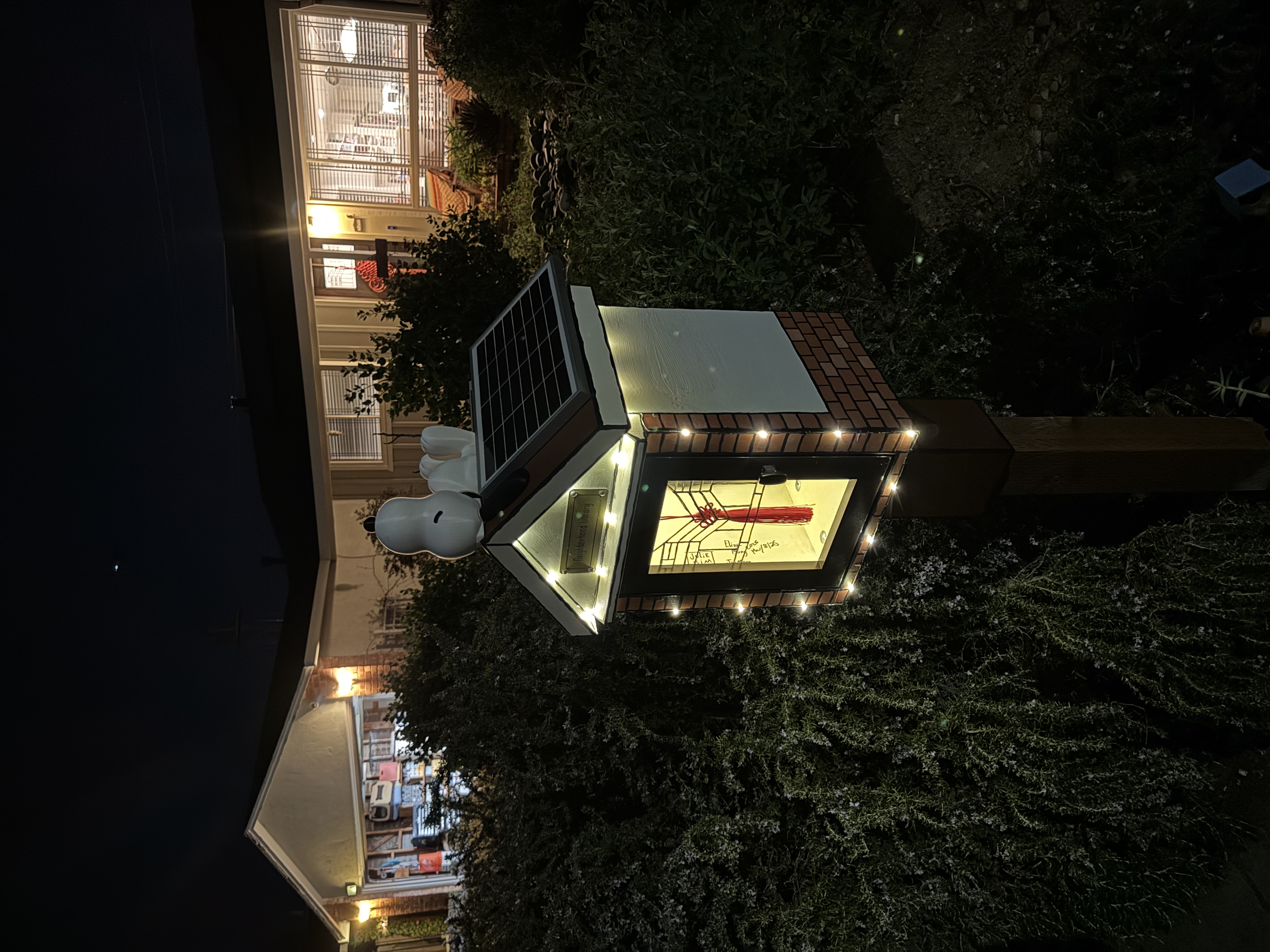
We used to joke a little about how these LFL's were a twee signal of gentrification. And honestly, I don't think many people have stopped to take or leave books yet. But it was a super fun project for our whole family. I smile every time I see it. Some notes on construction below.
Setting the post
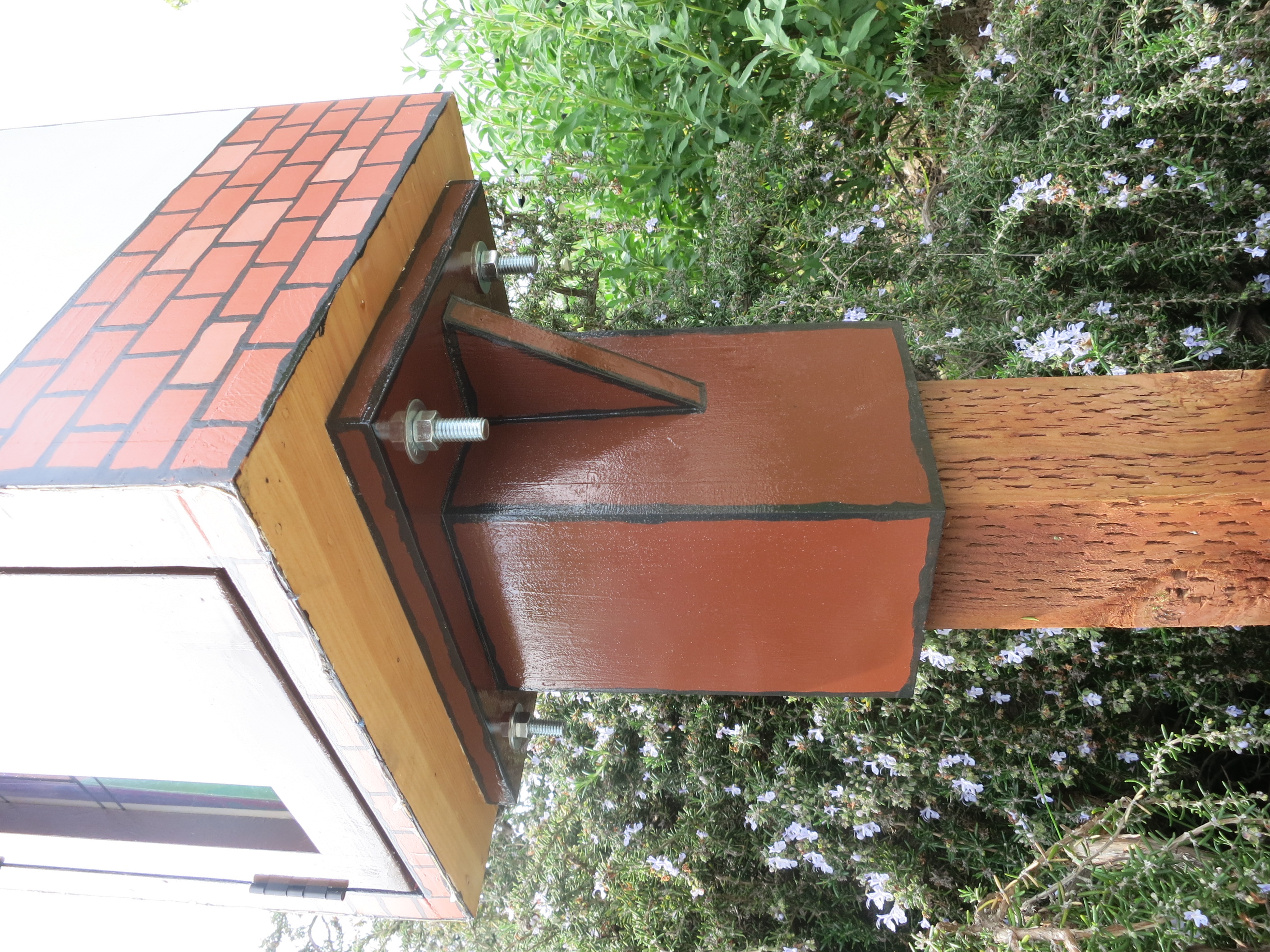
First thing I did was to dig a hole to set the post. This was a little complicated because I knew the place we wanted to put it had our water main running in from the street. So I dug cautiously with a gardening shovel, figured out where the line was, and placed our post with adequate clearance around the pipe. We started with a 6-foot pressure treated 4x4 cut down to 4 feet. I went about 18 inches down for the hole, put down a base of gravel, placed the 4x4 upright and used the rest of the gravel to hold the post in place. I filled the rest of the hole with a bag of dry-set concrete. Gave the post a few knocks with a mallet to get it set into place, checked it with a level, then added water to the concrete. A day later, that post was set and solid.
Painting the house
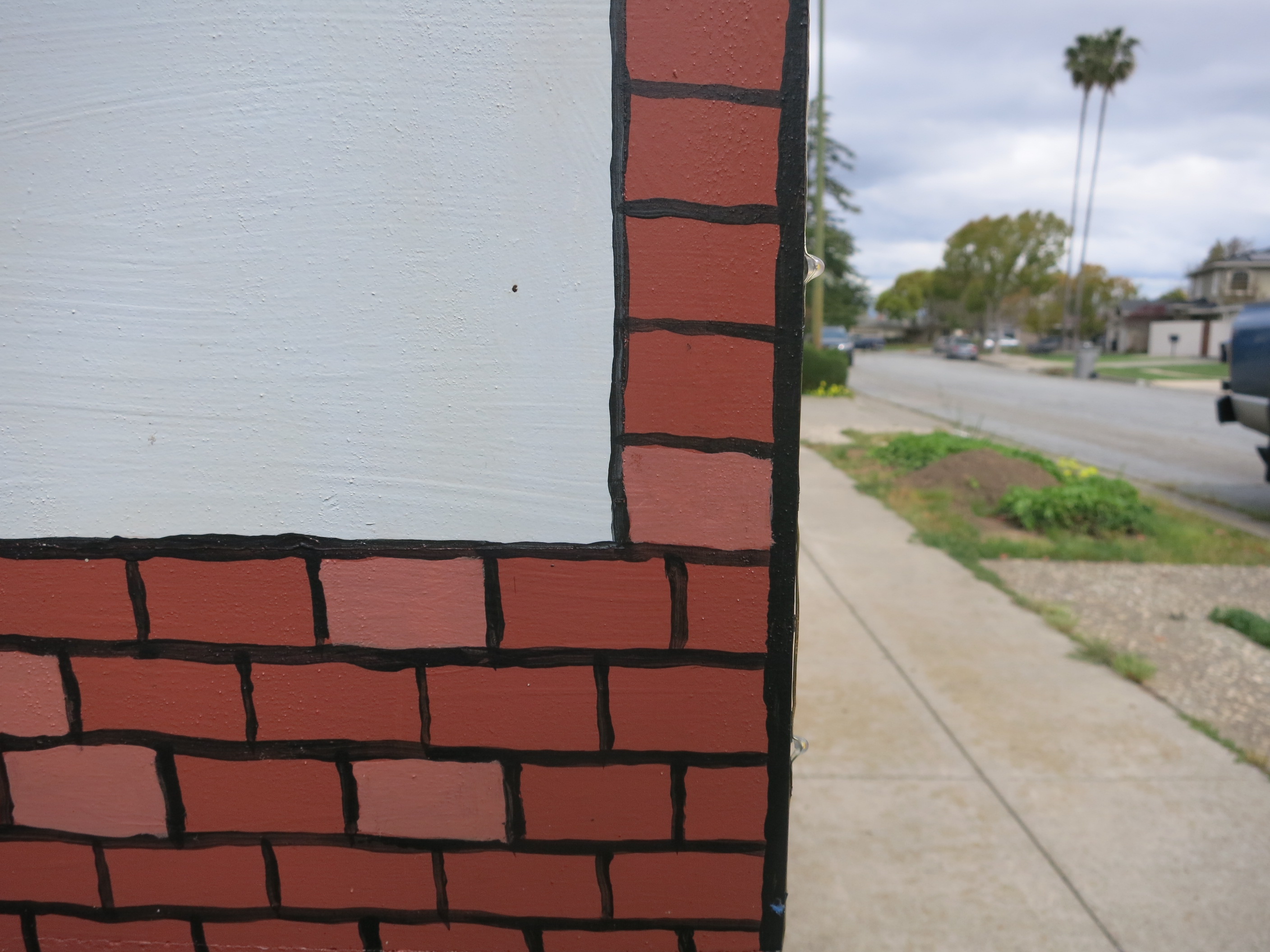
To get the house ready for painting, I dismantled it: removing the door, plastic window, and metal parts. I spent the next week coating it outside and in with a white spray-on primer. After it was primed, I handed it off to Julie and the girls for painting. And boy, did they run with it. Julie spent a couple days getting paint, art directing, and executing to paint the house in a cartoon style version of our house. They were also inspired by Snoopy sleeping on his house, and so the girls 3D printed a Snoopy. After the paint dried, I spent another week coating it with a spray on polyurethane.
Over engineering it
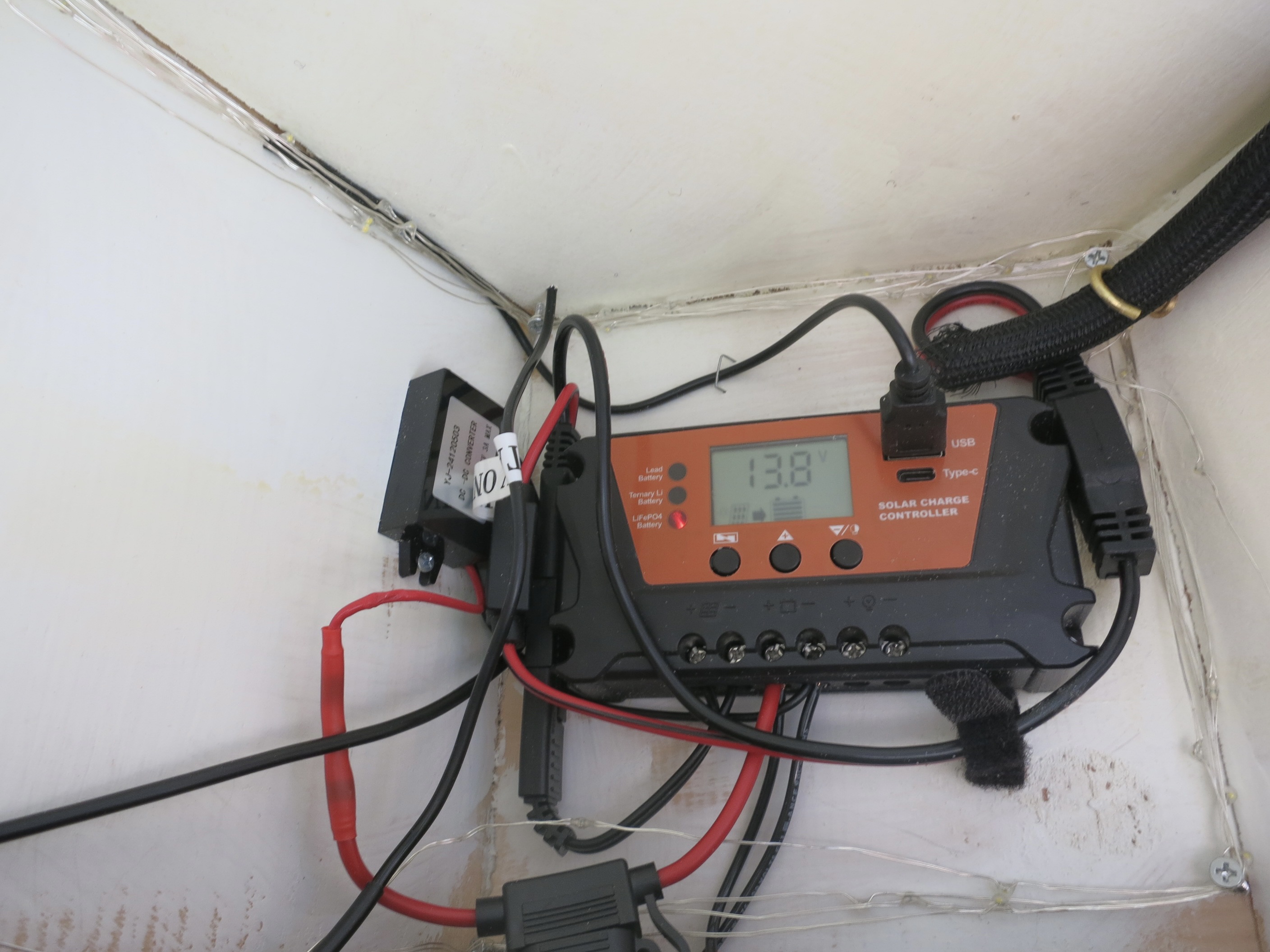
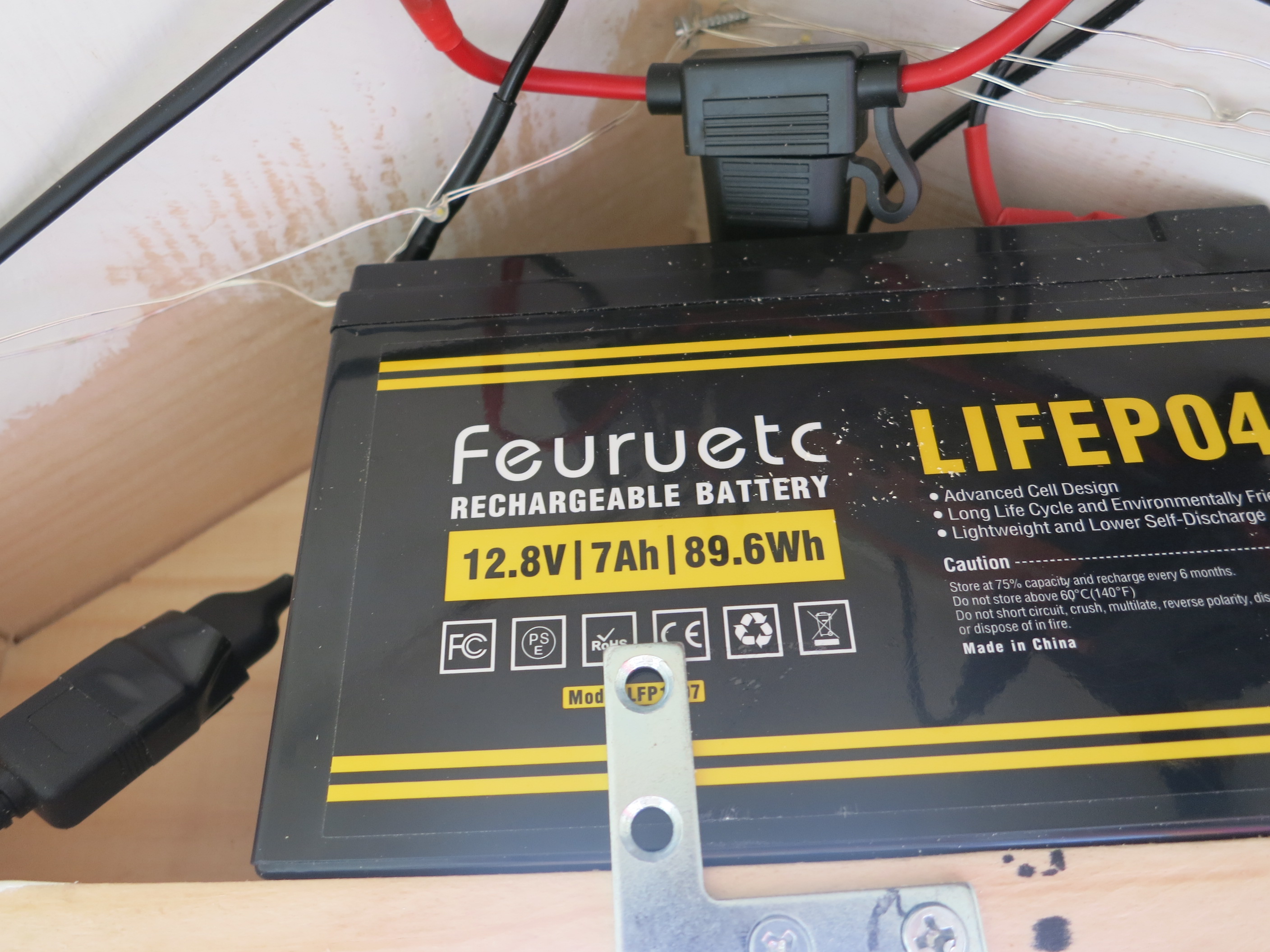
Not content with simply a beautifully painted little free library, I spent the next few weeks taking it too far. At first I thought it would be nice to illuminate the library with fairy lights, which then raised the question -- how should we power it? I didn't want to deal with changing batteries, nor did I want to run power from our main house. So solar became the obvious choice. I chose some super low wattage, 5v USB fairy lights which could run off solar no problem. But then I got to thinking, what else can we power with this? Enter our purpleair air quality sensor. We had this sensor on our main house contributing data for a few years but it went dark ever since we did construction and I never bothered to reconnect it. And so the math became about how do we power the sensor 24/7 as well as the fairy lights, with enough reserve for consecutive cloudy days. I used ChatGPT to help me reason through the math (I was quite impressed), providing a decent solar-hours parameter to estimate daily generation. We ended up using the following for the build:
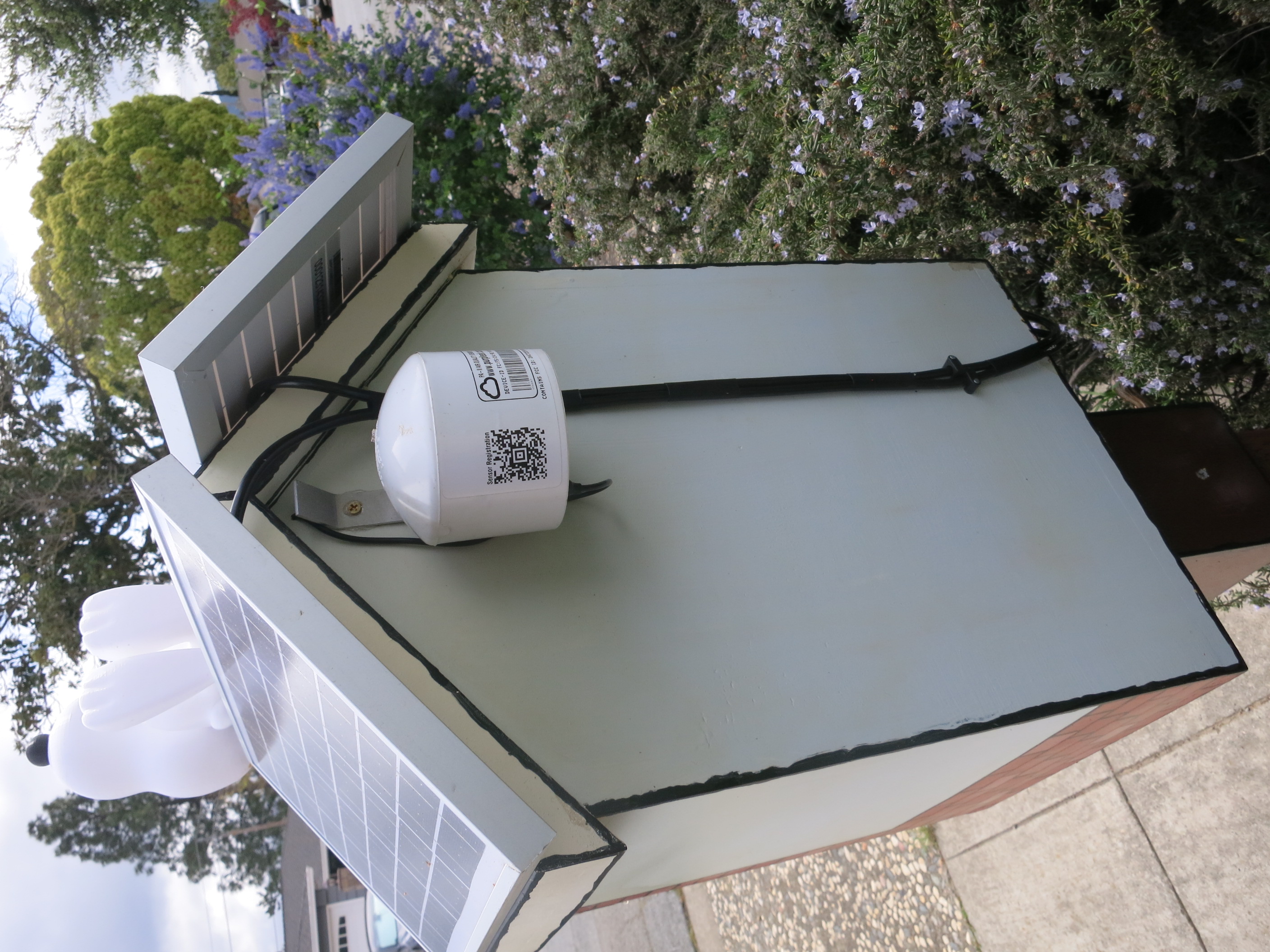
- 2 x 10 watt solar panels
- 1 7 ah 12 volt LiFePO4 battery
- 1 cheapo PWM solar charge converter (with convenient dusk/dawn sensor + timer)
- 1 12 v to 5 v USB-a buck convertor
- 1 SAE Y adapter with inline fuse
- 1 additional inline fuse holder
The bulk of the remaining time I spent puzzling over how to fit, route, and attach these components. It was important for me to mount components cleanly and inconspicously, as to not distract from Julie's paint job. I wanted to minimize the number of holes I put in the outer surfaces. I wanted this thing to last 100 years (the solar and battery should last 20).
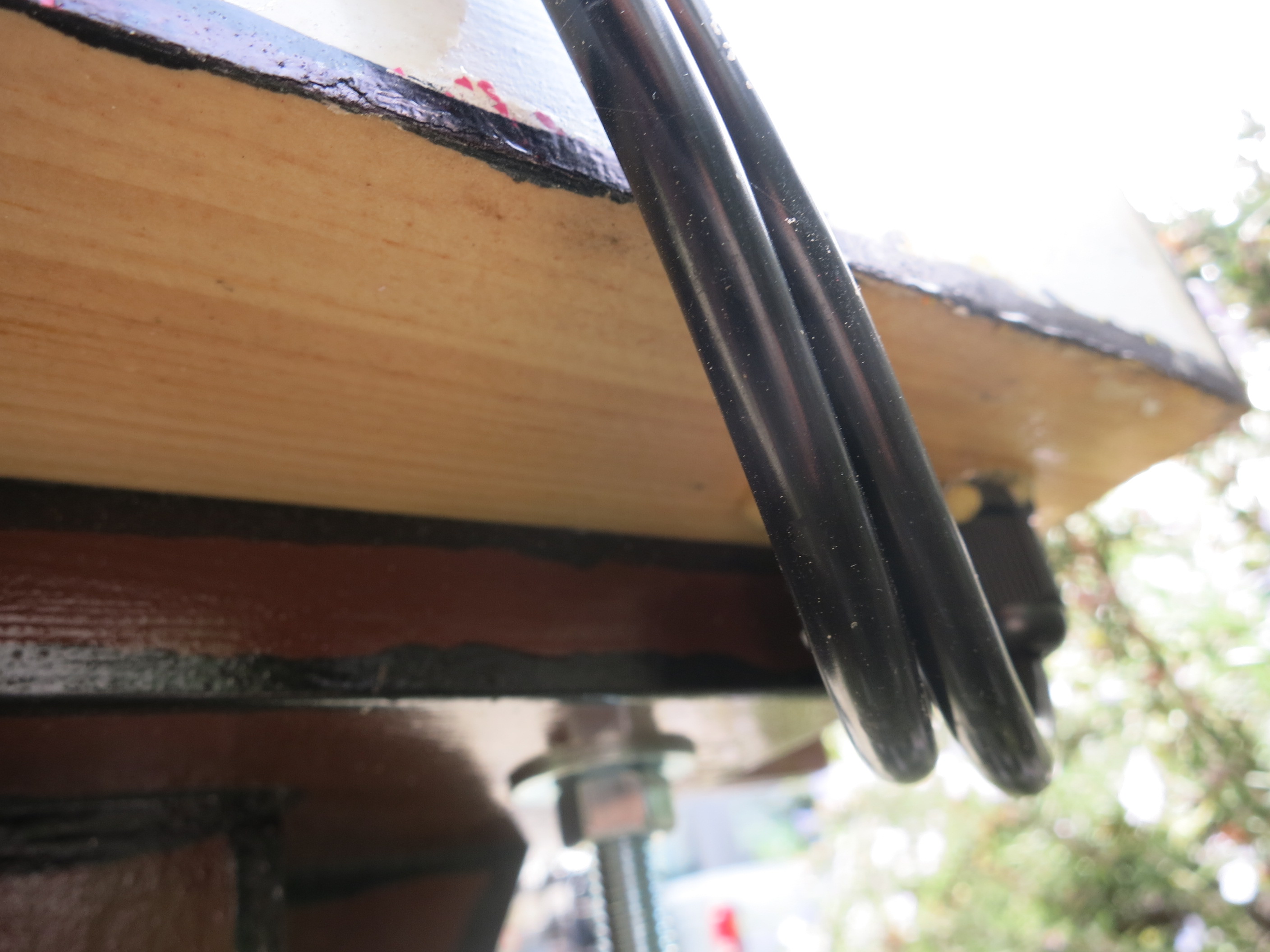
I mounted the solar panels using half of a "french cleat" used for hanging heavy picture frames. I was too skittish to put holes in the roof for passing those cables, so I went under through the bottom instead. I had cable glands leftover from another project so used those to waterproof the puncture. I made small holes under the eaves to pass the USB cable to power the purpleair sensor and the fairy lights. I angled the holes up into the house so that rain couldn't flow up.
Redoing the interconnects was also time consuming. I used the heat-gun type solder filled tube connectors to join bare wires. I must say I'm not very skilled at using those-- I felt like I either didn't melt the solder enough or would end up burning the whole thing. The other PITA was the SAE connectors for solar. It turns out I don't think there's a standard on the polarity of those things, and the two example panels I had (a 7.5 Watt battery maintainer and a 25 watt panel) had their polarities switched on the SAE connector, which doesn't enforce which end should be positive. So I ended up wiring the 2 10 watt panels opposite in polarity with the 25 watt panel with respect to their SAE terminal. Good thing the Y adapter I ordered came with a polarity flipping adapter, I was able to use that to save myself from an hour of re-work.
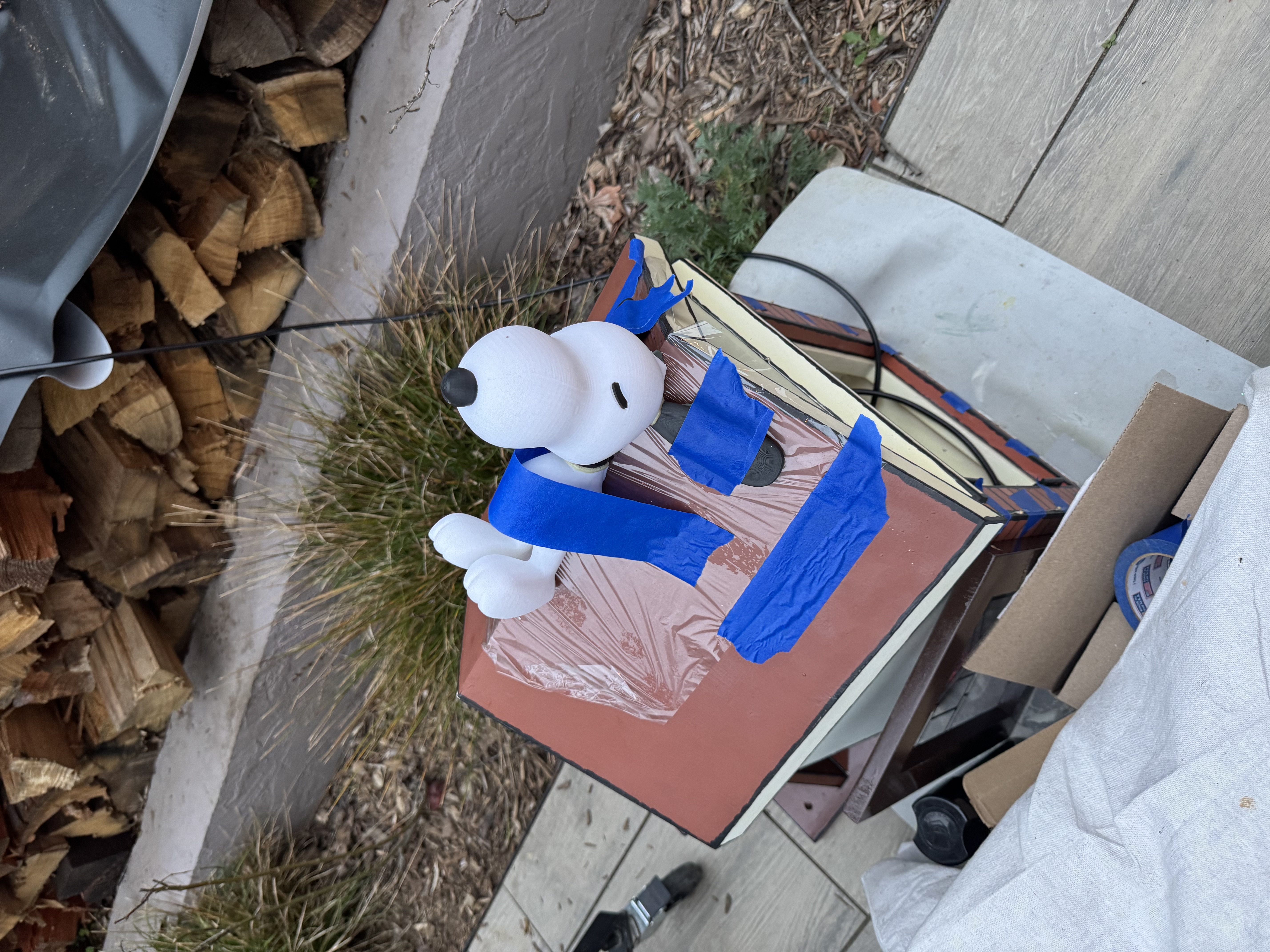
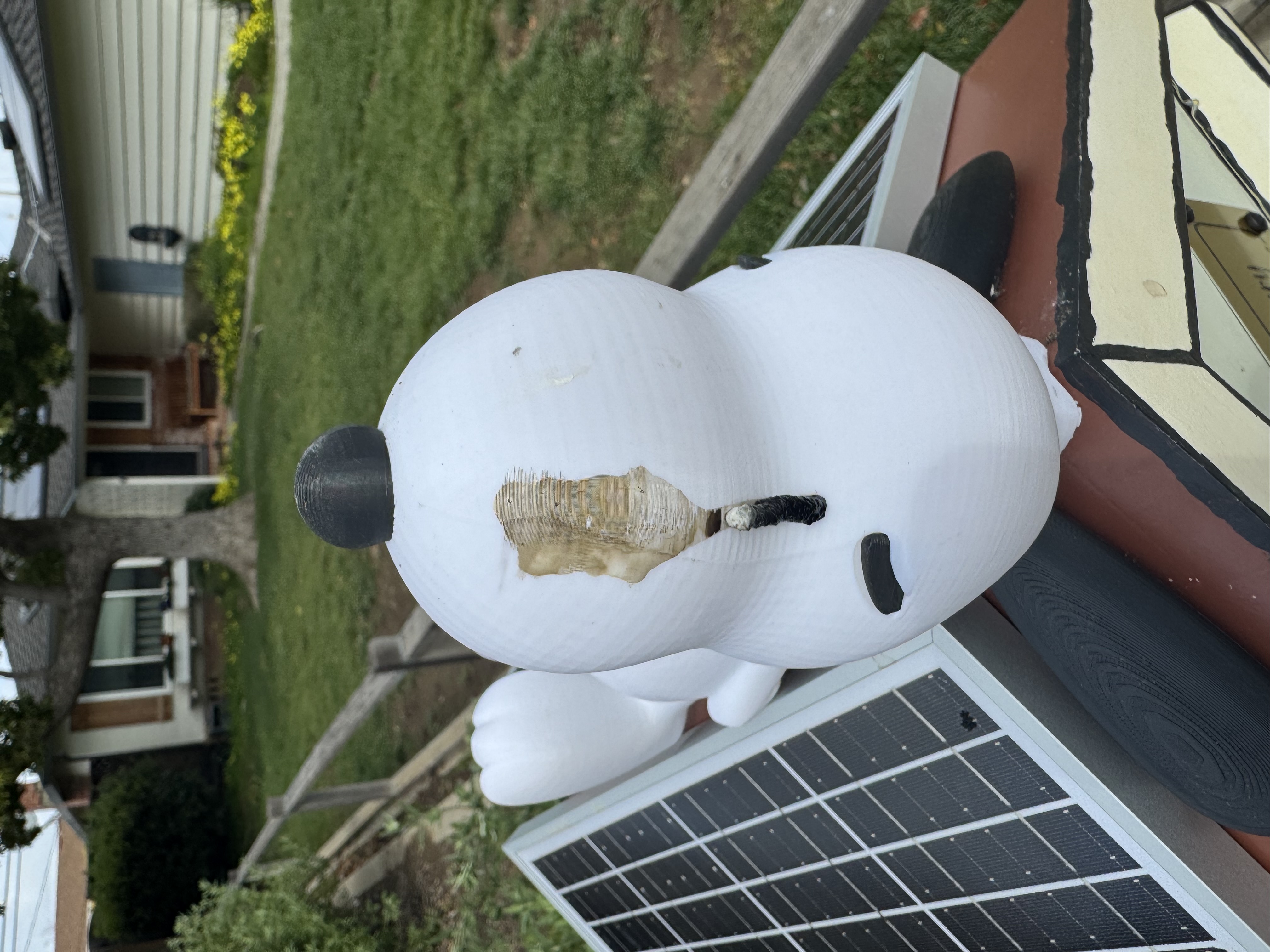
The Snoopy was super cute but the 3D model wasn't designed the best. Snoopy's head, collar, body, ears, eyes and nose were all discrete pieces. The eyes and nose were easy enough to pot and glue into place. His head, body, collar, and ears were more difficult. For one, the angle of the seam along his back was more acute than 90 degrees (a pointy house!) and so that didn't rest well on our structure. Then the ears mated at what appeared to a different, even steeper angle! So I used putty to first support his head and body so I could glue those together. I filed down his ears so I could mate them to his head better. I must have done this at least 4 times as I would drop snoopy and everything would fall apart. In the end I used a combination of super glue and gorilla glue to keep him together. I did some dry fitting with Snoopy and the solar panels to make sure everything fit nicely. Then I finally stuck his body and ears onto the structure with thick globs of silcone adhesive.
Next steps
If/when I feel inspired, I'd like to use the purple air API to download our data, for a data viz and/or machine learning project. We also registered with little free library . org to get an official placard and to be placed on their map. I'll update this post when that happens!